
Plan, Adjust, and Execute with Confidence
Tempus Resource version 11.0 is packed with enhancements and features driven by user feedback and impacts to the business (cough, cough MS Project Online sunsetting…)
With this version, your organization can connect planning, decision making and execution in one platform. Reduce manual work and make decisions faster with version 11.0.
Core themes of version 11.0

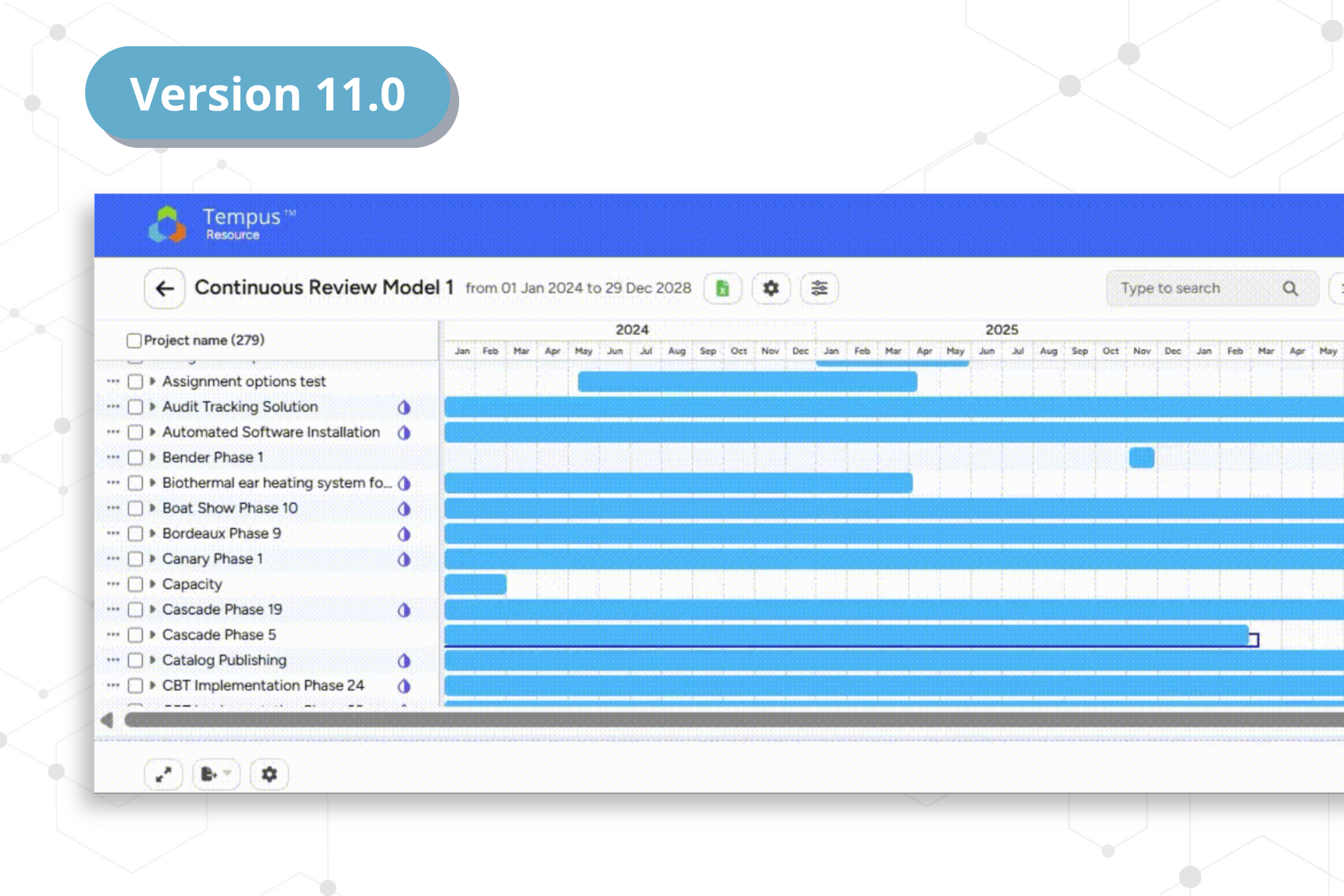
Project scheduling improved and ready to build
What’s new:
- Modern WBS-style scheduling experience
- In the same system as your people, skills and allocations
Why it matters:
- Eliminates dependency on external tools (like MS Project Online sunsetting or Smartsheet’s price increases)
- Keeps planning and execution in the same platform
What-If → Now Go (Tempus What-If Model Writeback)
What’s new:
- Apply What-If scenarios to live data directly in Tempus
Why it matters:
- Removes friction between evaluating trade-offs and deciding on plans
- Speeds up decision-making cycles
AI Search Across Projects and Resources
What’s new:
- Natural language search across Tempus
Why it matters:
- No more building reports for common questions
- Faster answers for everyday decisions
AI Help Chatbot
What’s new:
- In-app guidance powered by our Help Center and Tempus University
Why it matters:
- Less dependency on admins
- Faster onboarding and adoption
For Administrators
Greater Control, Less Overhead
- SCIM + MFA: simplified user provisioning and security
- Shared views: control what users see and reduce confusion
- Financial configuration flexibility: align with your terminology
- Rate visibility controls: manage sensitive data exposure
- Milestone imports: faster setup via Excel
Making everyday work easier
- Improved scheduling and planning workflows
- More intuitive navigation across key screens
- Reduced manual steps
Upgrade Details
- Cost: No cost to upgrade
- Early access: Premium Support customers get first access
- How to upgrade: Email support@prosymmetry.com to schedule
Ready to explore Tempus Resource version 11.0?
Contact Support
View Release Notes (coming soon)
Frequently Asked Questions
What are the key features in the most recent version of Tempus Resource?
Tempus Resource 11.0 introduces:
- A new project scheduling experience within Tempus
- Allows organizations to replace MS Project Online and overly priced tools like Smartsheet
- What-If scenario writeback to live data
- AI-powered search for projects and resources
- An in-product AI chatbot for user support
- New administrative controls for security, data, and user experience
These features help teams plan faster, make better decisions, and reduce manual effort.
How does Tempus Resource version 11.0 improve project scheduling?
Tempus Resource version 11.0 introduces a modern scheduling interface that allows users to build and manage detailed project schedules directly in Tempus. This keeps scheduling, resource planning, and allocation data in one system, reducing reliance on external tools like MS Project Online and Smartsheet.
What is Tempus What-If writeback in Tempus Resource?
Tempus What-If writeback allows users to apply approved scenario changes directly to live Tempus Resource data. Instead of recreating plans manually, teams can evaluate trade-offs and quickly move from planning to execution.
How does AI search work in Tempus Resource?
AI search allows users to find projects, resources, and availability using natural language. Instead of building reports, users can ask questions and get immediate answers within their existing workflows.
Who benefits most from Tempus Resource version 11.0?
Tempus Resource version 11.0 benefits:
- Project managers who need better planning tools
- Resource managers who need visibility into capacity and skills
- PMO leaders who need reliable portfolio insights
- Administrators who manage system configuration and users
